Six free, printable posters of dos and don’ts for anyone who writes forms, emails, meeting invites, course materials, workplace documents or reminders.
Why bother? The Job Accommodation Network (JAN) lists trouble organizing work tasks, staying on task and paying attention to details among the common characteristics of ADHD. A lot of everyday admin asks for exactly those things. Each rule on these posters comes from published guidance, mostly the W3C’s Making Content Usable for People with Cognitive and Learning Disabilities, plus JAN and the GOV.UK Service Manual. Every rule below links to its source.
These are design guidelines. They aren’t medical advice, and nobody has proven they work for every person or situation.
The format was inspired by the UK Home Office’s dos and don’ts on designing for accessibility posters, which cover several conditions but have no poster for ADHD. This set is original: we wrote the rules, the wording and the design ourselves, and the Home Office has no involvement.
- 1. Forms and admin
- 2. Emails and messages
- 3. Meetings
- 4. Syllabi and assignments
- 5. Onboarding and workplace documents
- 6. Reminders and deadlines
Download all six posters as one PDF
1. Forms and admin
For anyone who builds forms, applications or admin processes.

Do
- Say how long it takes and what to have ready. Source: GOV.UK Design System, Pattern: Start using a service
- Ask one thing per page. Source: GOV.UK Service Manual, Structuring forms: Start with one thing per page
- Mark optional fields with the word “optional”. Source: GOV.UK Design System, Pattern: Question pages
- Save answers as people go. Source: W3C COGA, Pattern: Avoid Data Loss and “Timeouts”
- Show a summary to check before sending. Source: W3C COGA, Pattern: Make it Easy to Undo Form Errors
- Confirm clearly that the form was sent. Source: W3C COGA, Pattern: Provide Feedback
Don’t
- Don’t ask for details you have no use for. Source: GOV.UK Service Manual, Structuring forms: Know why you’re asking every question
- Don’t time people out without warning. Source: W3C COGA, Pattern: Avoid Data Loss and “Timeouts”
- Don’t make people type the same thing twice. Source: GOV.UK Design System, Pattern: Question pages
- Don’t reject spaces or dashes in numbers. Source: W3C COGA, Pattern: Accept different input formats
- Don’t reveal fees at the last step. Source: W3C COGA, Pattern: Notify Users of Fees and Charges at the Start of a Task
- Don’t wipe answers when people go back. Source: W3C COGA, Pattern: Let Users Go Back
2. Emails and messages
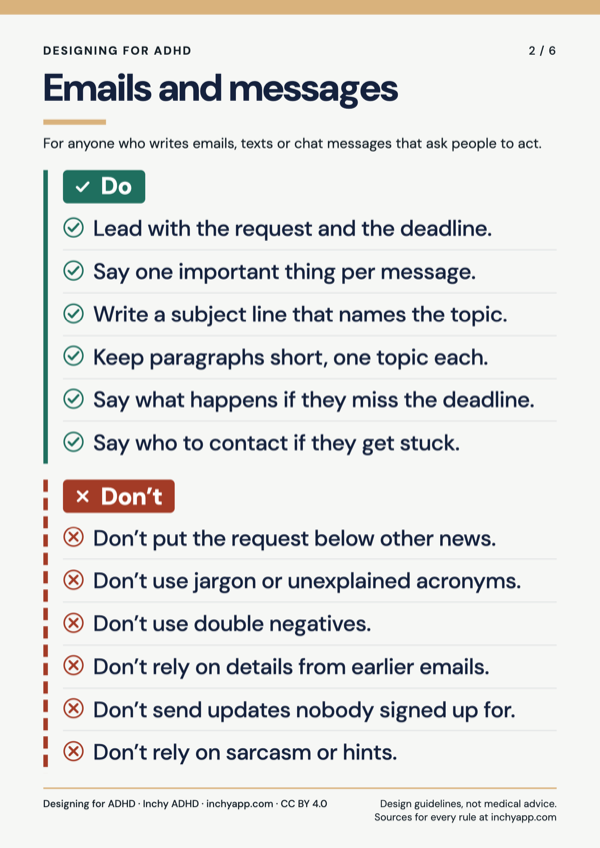
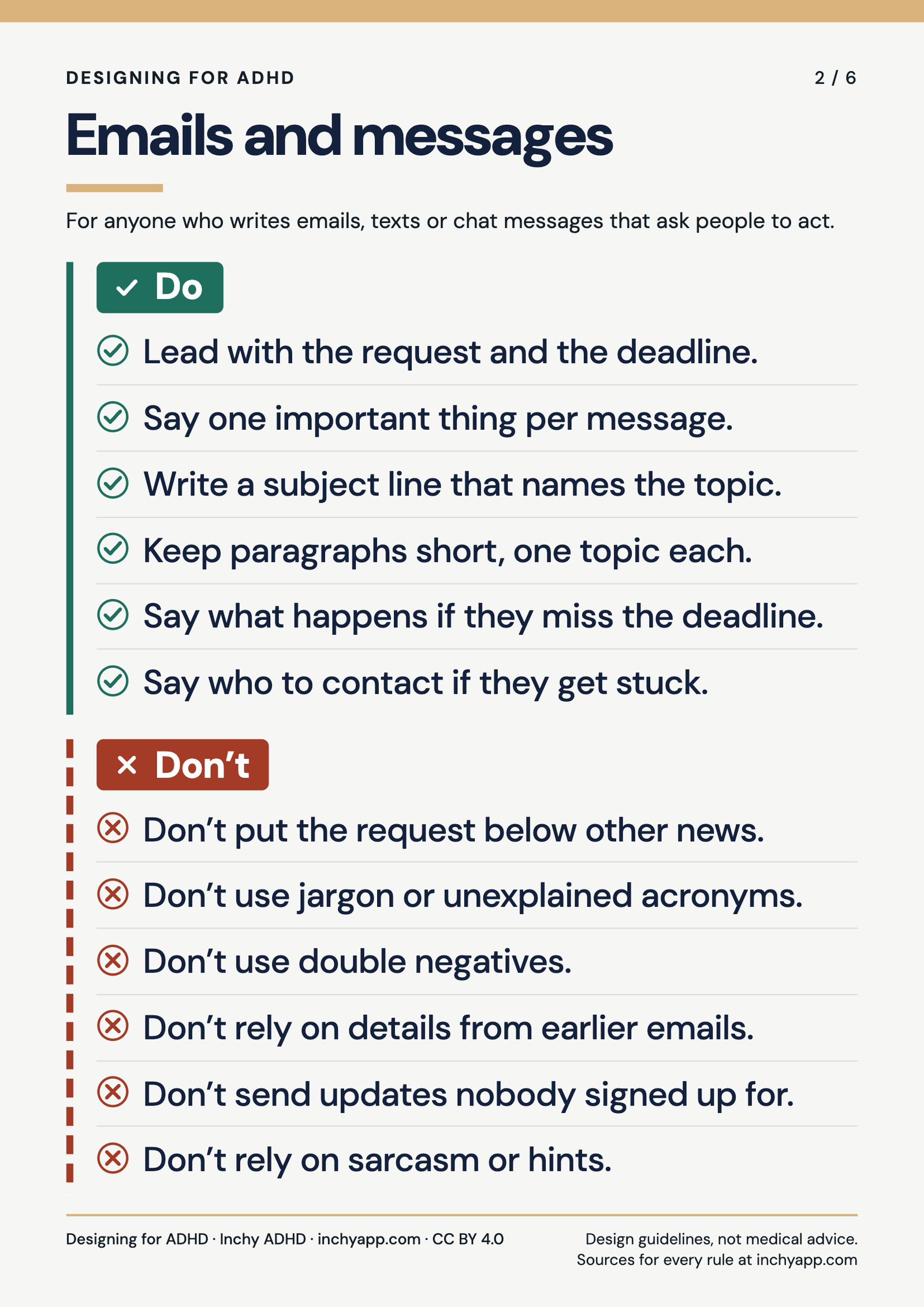
For anyone who writes emails, texts or chat messages that ask people to act.
Do
- Lead with the request and the deadline. Source: GOV.UK Service Manual, Planning and writing text messages and emails
- Say one important thing per message. Source: GOV.UK Service Manual, Planning and writing text messages and emails
- Write a subject line that names the topic. Source: GOV.UK Service Manual, Planning and writing text messages and emails
- Keep paragraphs short, one topic each. Source: W3C COGA, Pattern: Keep Text Succinct
- Say what happens if they miss the deadline. Source: GOV.UK Service Manual, Planning and writing text messages and emails
- Say who to contact if they get stuck. Source: GOV.UK Service Manual, Planning and writing text messages and emails
Don’t
- Don’t put the request below other news. Source: W3C COGA, Pattern: Make it easy to find the most important actions and information on the page
- Don’t use jargon or unexplained acronyms. Source: GOV.UK Service Manual, Planning and writing text messages and emails
- Don’t use double negatives. Source: W3C COGA, Pattern: Avoid Double Negatives or Nested Clauses
- Don’t rely on details from earlier emails. Source: W3C COGA, Pattern: Do Not Rely on Users Calculations or Memorizing Information
- Don’t send updates nobody signed up for. Source: GOV.UK Service Manual, Planning and writing text messages and emails
- Don’t rely on sarcasm or hints. Source: W3C COGA, Pattern: Explain Implied Content
3. Meetings
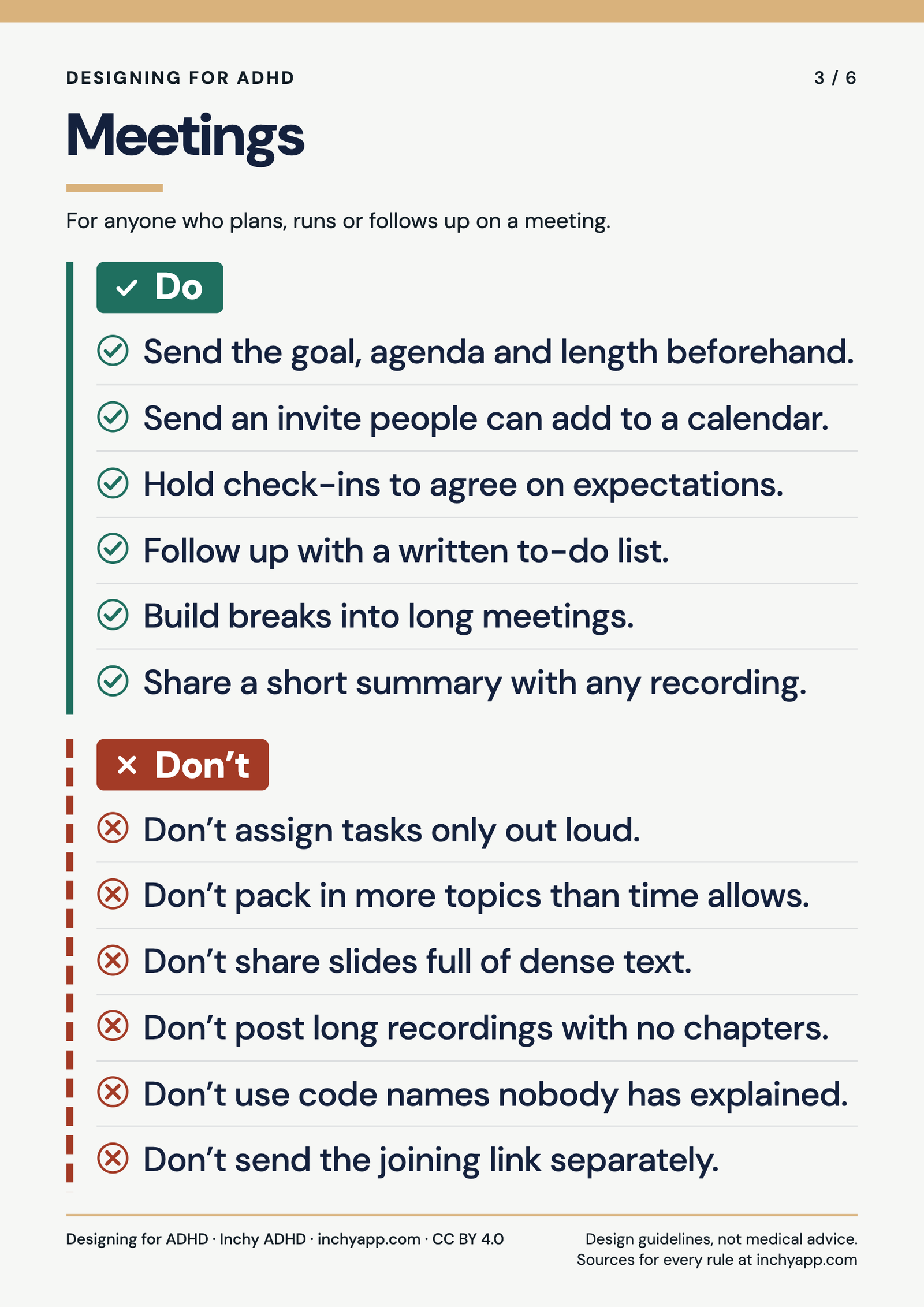
For anyone who plans, runs or follows up on a meeting.

Do
- Send the goal, agenda and length beforehand. Source: W3C COGA, Pattern: Provide Information So a User Can Complete and Prepare for a Task
- Send an invite people can add to a calendar. Source: W3C COGA, Pattern: Provide Reminders
- Hold check-ins to agree on expectations. Source: JAN, ADHD key accommodations: Time management
- Follow up with a written to-do list. Source: JAN, ADHD key accommodations: Time management
- Build breaks into long meetings. Source: JAN, ADHD key accommodations: Hyperactivity/Impulsivity
- Share a short summary with any recording. Source: W3C COGA, Pattern: Provide Summary of Long Documents and Media
Don’t
- Don’t assign tasks only out loud. Source: JAN, ADHD accommodation ideas: Written Instructions
- Don’t pack in more topics than time allows. Source: W3C COGA, Pattern: Avoid Too Much Content
- Don’t share slides full of dense text. Source: W3C COGA, Pattern: Use White Spacing
- Don’t post long recordings with no chapters. Source: W3C COGA, Pattern: Break Media into Chunks
- Don’t use code names nobody has explained. Source: W3C COGA, Pattern: Use Clear Words
- Don’t send the joining link separately. Source: W3C COGA, Pattern: Do Not Rely on Users Calculations or Memorizing Information
4. Syllabi and assignments
For educators writing course outlines, briefs and assignment instructions.

Do
- Open the syllabus with a short summary. Source: W3C COGA, Pattern: Provide Summary of Long Documents and Media
- Let students add due dates to their calendar. Source: W3C COGA, Pattern: Provide Reminders
- Split big projects into smaller steps. Source: JAN, ADHD accommodation ideas: Task Separation
- Give a generous time estimate for each task. Source: W3C COGA, Pattern: Provide Information So a User Can Complete and Prepare for a Task
- Number instructions, one step per line. Source: W3C COGA, Pattern: Separate Each Instruction
- Include an example of finished work. Source: W3C COGA, Pattern: Use Clear Step-by-step Instructions
Don’t
- Don’t hide due dates in long paragraphs. Source: W3C COGA, Pattern: Make it easy to find the most important actions and information on the page
- Don’t change requirements silently. Source: W3C COGA, Pattern: Clearly State the Results and Disadvantages of Actions, Options, and Selections
- Don’t use forms that time out and lose work. Source: W3C COGA, Pattern: Avoid Data Loss and “Timeouts”
- Don’t use vague terms without defining them. Source: W3C COGA, Pattern: Use Clear Words
- Don’t add new requirements at submission. Source: W3C COGA, Pattern: Notify Users of Fees and Charges at the Start of a Task
- Don’t keep the rubric on a separate page. Source: W3C COGA, Pattern: Do Not Rely on Users Calculations or Memorizing Information
5. Onboarding and workplace documents
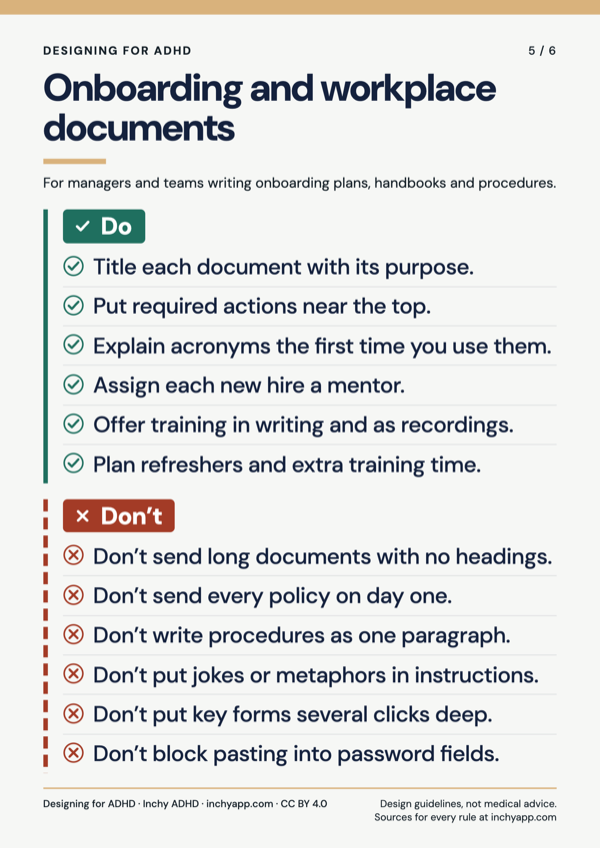
For managers and teams writing onboarding plans, handbooks and procedures.
Do
- Title each document with its purpose. Source: W3C COGA, Pattern: Make the Purpose of Your Page Clear
- Put required actions near the top. Source: W3C COGA, Pattern: Make it easy to find the most important actions and information on the page
- Explain acronyms the first time you use them. Source: W3C COGA, Pattern: Use Clear Words
- Assign each new hire a mentor. Source: JAN, ADHD key accommodations: Time management
- Offer training in writing and as recordings. Source: JAN, ADHD accommodation ideas: Recorded Directives, Messages, Materials
- Plan refreshers and extra training time. Source: JAN, ADHD accommodation ideas: Additional Training Time / Training Refreshers
Don’t
- Don’t send long documents with no headings. Source: W3C COGA, Pattern: Use a Clear and Understandable Page Structure
- Don’t send every policy on day one. Source: W3C COGA, Pattern: Avoid Too Much Content
- Don’t write procedures as one paragraph. Source: W3C COGA, Pattern: Separate Each Instruction
- Don’t put jokes or metaphors in instructions. Source: W3C COGA, Pattern: Use Literal Language
- Don’t put key forms several clicks deep. Source: W3C COGA, Pattern: Make Short Critical Paths
- Don’t block pasting into password fields. Source: W3C COGA, Pattern: Provide a Login that Does Not Rely on Memory or Other Cognitive Skills
6. Reminders and deadlines
For anyone who sets deadlines or sends reminders.




Do
- Let people choose how they’re reminded. Source: W3C COGA, Pattern: Limit Interruptions
- Offer “add to calendar” with every date. Source: W3C COGA, Pattern: Provide Reminders
- Write the month as a word: March 3. Source: W3C COGA, Pattern: Use Clear, Unambiguous Formatting and Punctuation
- Offer to set a reminder after the task. Source: W3C COGA, Pattern: Provide Reminders
- Put the task and link in the reminder itself. Source: W3C COGA, Pattern: Do Not Rely on Users Calculations or Memorizing Information
- Allow timers, apps and calendar tools. Source: JAN, ADHD key accommodations: Time management
Don’t
- Don’t add reminders people didn’t ask for. Source: W3C COGA, Pattern: Provide Reminders
- Don’t make people count “10 working days”. Source: W3C COGA, Pattern: Do Not Rely on Users Calculations or Memorizing Information
- Don’t send alerts people can’t turn off. Source: W3C COGA, Pattern: Limit Interruptions
- Don’t email and text a reminder at once. Source: GOV.UK Service Manual, Planning and writing text messages and emails
- Don’t hide how long people have to cancel. Source: W3C COGA, Pattern: Make it Easy to Undo Form Errors
- Don’t use number-only dates like 04/03. Source: W3C COGA, Pattern: Use Clear, Unambiguous Formatting and Punctuation
License
The posters and the rule text on this page are licensed under Creative Commons Attribution 4.0 International (CC BY 4.0). You can print, share, translate and adapt them for any purpose, including commercial use, as long as you give credit.
To credit us, include the title, our name, a link and the license, and say if you made changes. For example: “Designing for ADHD” by Inchy ADHD (inchyapp.com), licensed under CC BY 4.0. Adapted by [your name].
The quoted sources belong to their publishers and keep their own terms.
Cite this page
Inchy ADHD. “Designing for ADHD: Dos and Don’ts Posters.” inchyapp.com, 2026.
Found a mistake, or a rule that doesn’t match its source? Email info@inchyapp.com and we’ll fix it.